

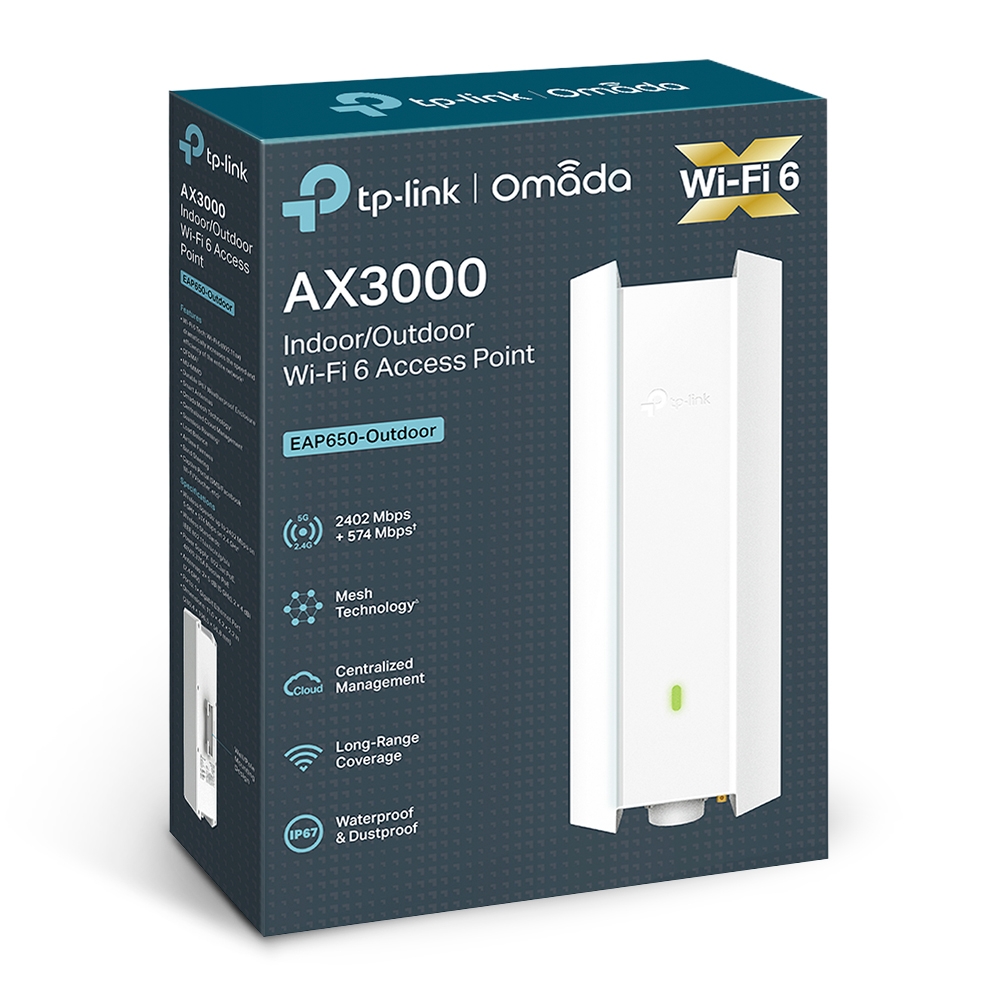
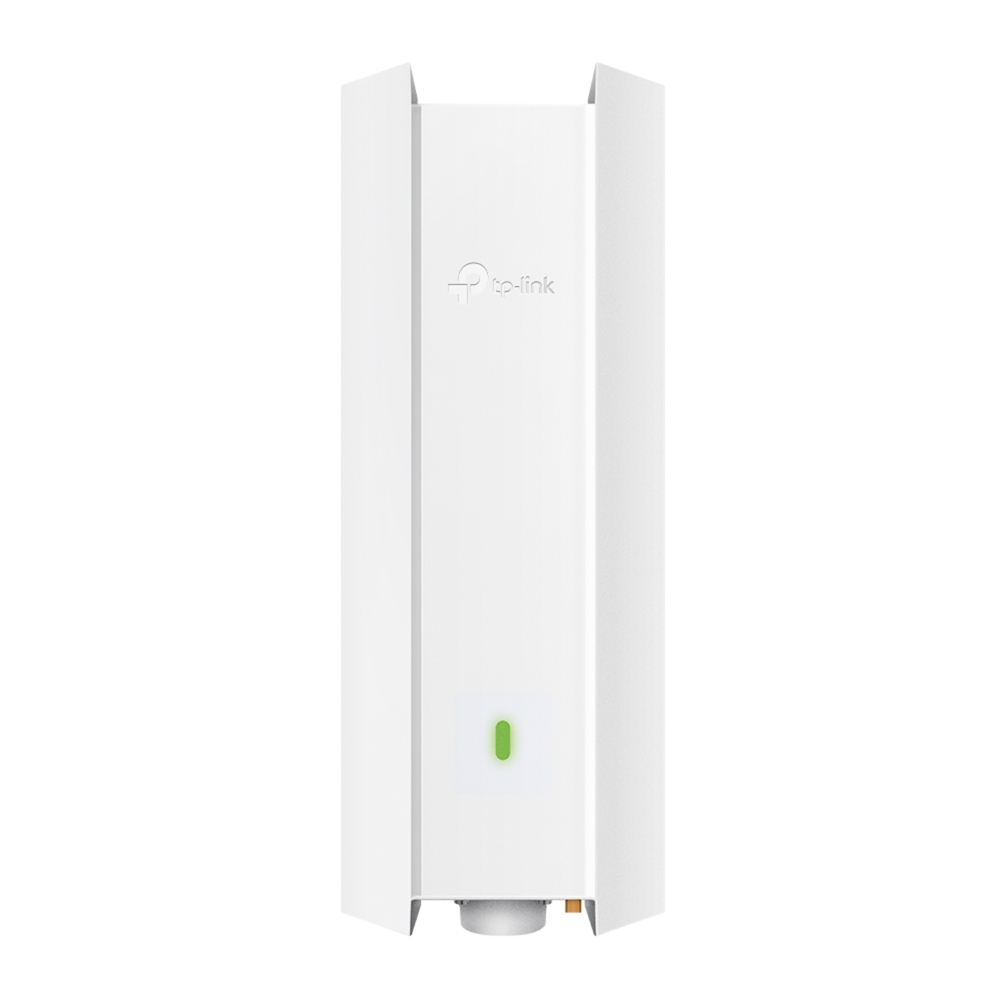
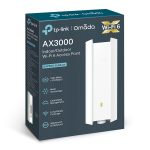
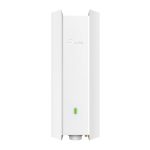


👉 The EAP650-Outdoor is a business-grade Wi-Fi access point, not a home router.
It is designed to:
- Extend Wi-Fi coverage outdoors or large areas
- Handle many users simultaneously
- Be centrally managed as part of a professional network system (Omada SDN)
🧠 1. Core Concept (How it works)
Think of it like this:
Router = Internet source
Switch = distributes network
EAP650 = broadcasts Wi-Fi professionally
Workflow:
- Internet → Router
- Router → PoE Switch
- Switch → EAP650 (via Ethernet cable)
- EAP650 → provides Wi-Fi to users
👉 Unlike home routers:
- No NAT/DHCP by default
- Pure access point role
📡 2. Wireless Technology (Wi-Fi 6 Explained)
Dual-band AX3000 speed:
- 2.4 GHz → 574 Mbps
- 5 GHz → 2402 Mbps
- Total ≈ 3 Gbps
Advanced Wi-Fi 6 features:
- OFDMA → multiple users share channel efficiently
- MU-MIMO → multiple devices served simultaneously
- 1024-QAM → higher data density
- 160 MHz channel (HE160) → doubles throughput
👉 Result:
- Lower latency
- Better performance in crowded environments
- Supports 50–100+ devices easily
📶 3. Coverage & RF Engineering
Long-range design:
- High-power amplifier
- High-gain directional antennas
- Beamforming technology
👉 Designed for:
- Outdoor campuses
- Parking lots
- Factories
- Resorts
Real-world coverage:
- Open area: 100–300 meters+ (depends on obstacles)
- Directional coverage (not 360° like ceiling APs)
👉 Important:
- Placement height and angle matter a lot
🌧️ 4. Outdoor & Industrial Design
Weatherproof rating:
- IP67 / IP68 (region dependent)
Protection:
- Waterproof
- Dustproof
- Lightning protection
- Temperature resistant
👉 Works in:
- Rain
- Heat
- Dusty environments
🔗 5. Omada SDN (Most Important Feature)
The EAP650 is part of TP-Link Omada ecosystem:
Centralized management:
- Web browser
- Mobile app
- Cloud access
👉 You can manage:
- Multiple access points
- Multiple sites
- Entire network from one dashboard
Key features:
- Zero-touch provisioning
- Remote monitoring
- Firmware updates
- Traffic analytics
👉 Used in:
- Enterprises
- Hotels
- Schools
🔄 6. Seamless Roaming & Mesh
🚶 Seamless roaming
- Device moves → automatically switches AP
- No Wi-Fi drop
👉 Example:
- Walking across campus while on call
🔗 Omada Mesh
- APs connect wirelessly (if no cable)
- Extends coverage
👉 But:
- Wired (Ethernet) always gives best performance
🔐 7. Security & Access Control
Enterprise security:
- WPA3 encryption
- 802.1X authentication
- VLAN support
- Guest portal (voucher/SMS login)
Use case:
- Hotels → guest Wi-Fi login
- Offices → employee authentication
🔌 8. Power & Installation
Power options:
- 802.3at PoE+
- Passive PoE (adapter included)
👉 Only one cable needed:
- Power + data
Mounting:
- Pole mount (most common)
- Wall mount
👉 Typical installation height:
- 2.5–6 meters
⚙️ 9. Real Deployment Example
Example: College campus
- 1 Router
- 1 PoE Switch
- 6 × EAP650 Outdoor
Result:
- Full outdoor Wi-Fi coverage
- Seamless roaming
- Central control
⚖️ 10. Advantages vs Home Router
| Feature | EAP650 Outdoor | Home Router |
|---|---|---|
| Coverage | Very large | Limited |
| Users | High density | Low |
| Management | Centralized | Local only |
| Scalability | Easy | Hard |
| Outdoor use | Yes | No |
⚠️ 11. Limitations
- Needs:
- Router + switch (not standalone internet device)
- Configuration requires:
- Networking knowledge
- More expensive than consumer routers
🧠 Final Simple Explanation
The TP-Link Omada EAP650-Outdoor is a professional Wi-Fi 6 access point designed to deliver high-speed, long-range wireless coverage outdoors, while being centrally managed as part of a scalable enterprise network.
👍 When should you use it?
Use this if you need:
- Outdoor Wi-Fi (campus, factory, parking)
- Large area coverage
- Many users
- Centralized control




Reviews
Clear filtersThere are no reviews yet.